14.5 SYSEX DUMP
14. SETTINGS MENU > 14.5 SYSEX DUMP · PDF p. 77–78 · OS 1.42
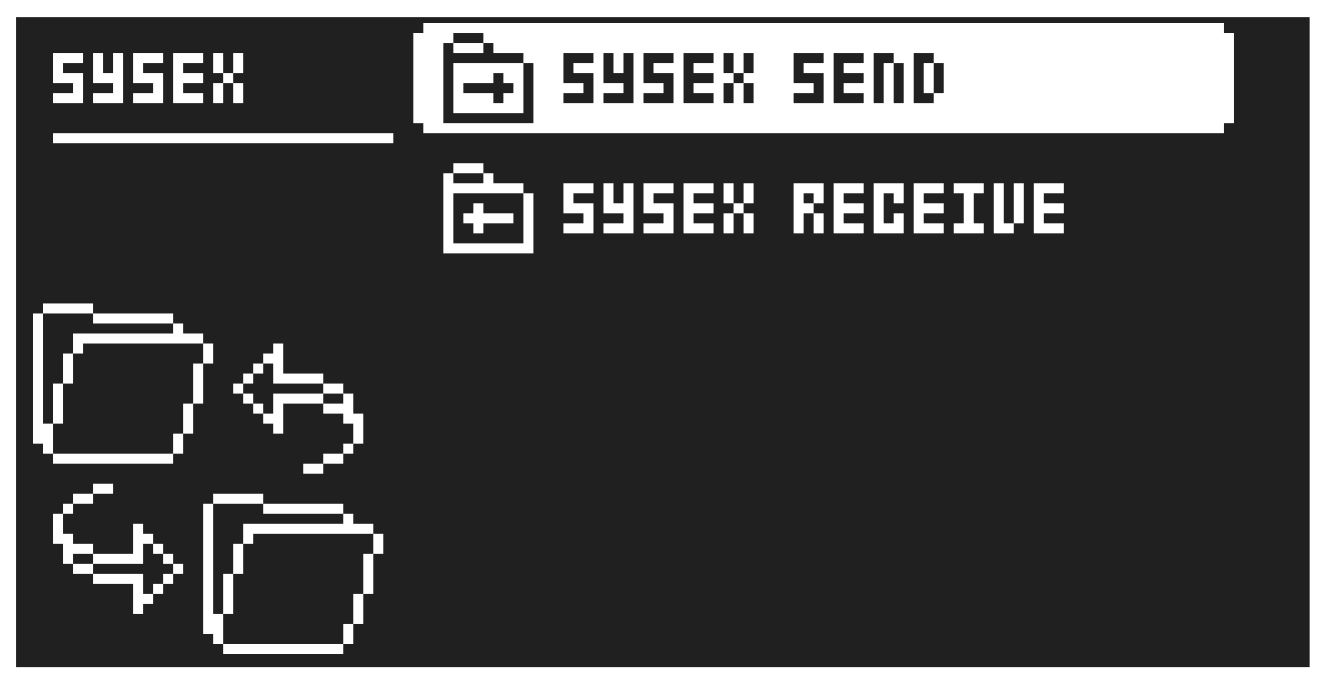
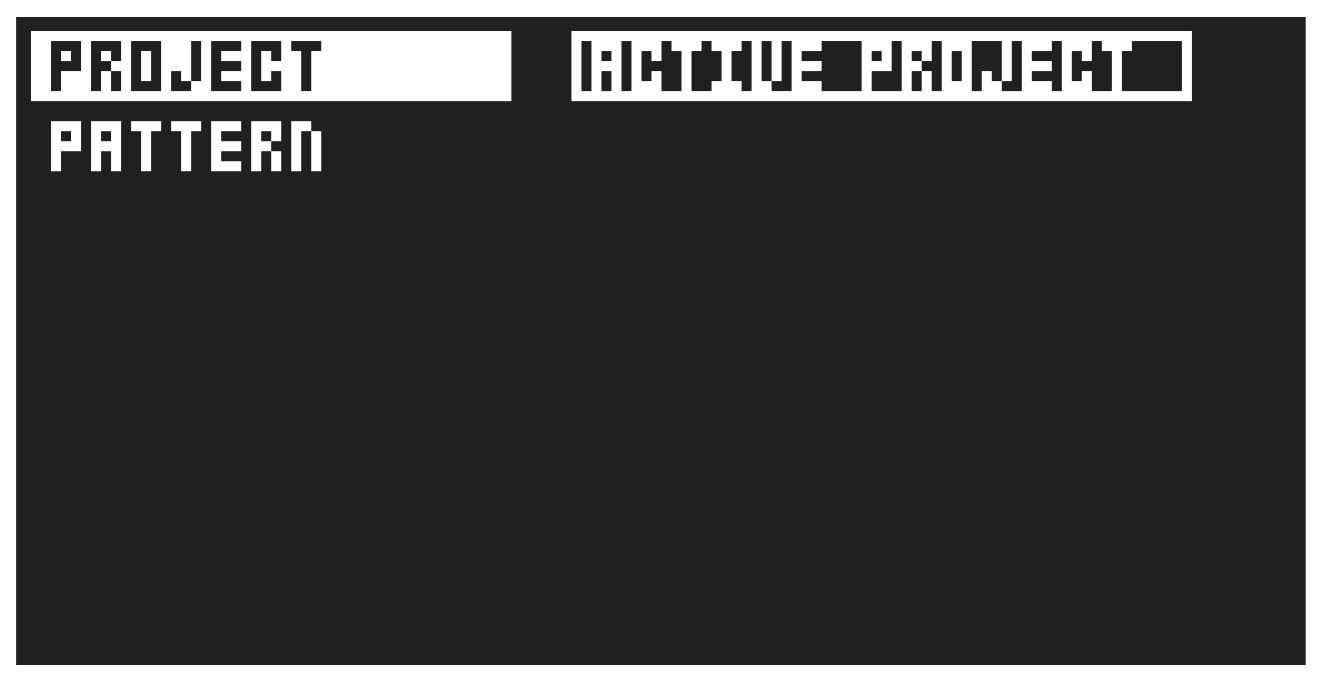
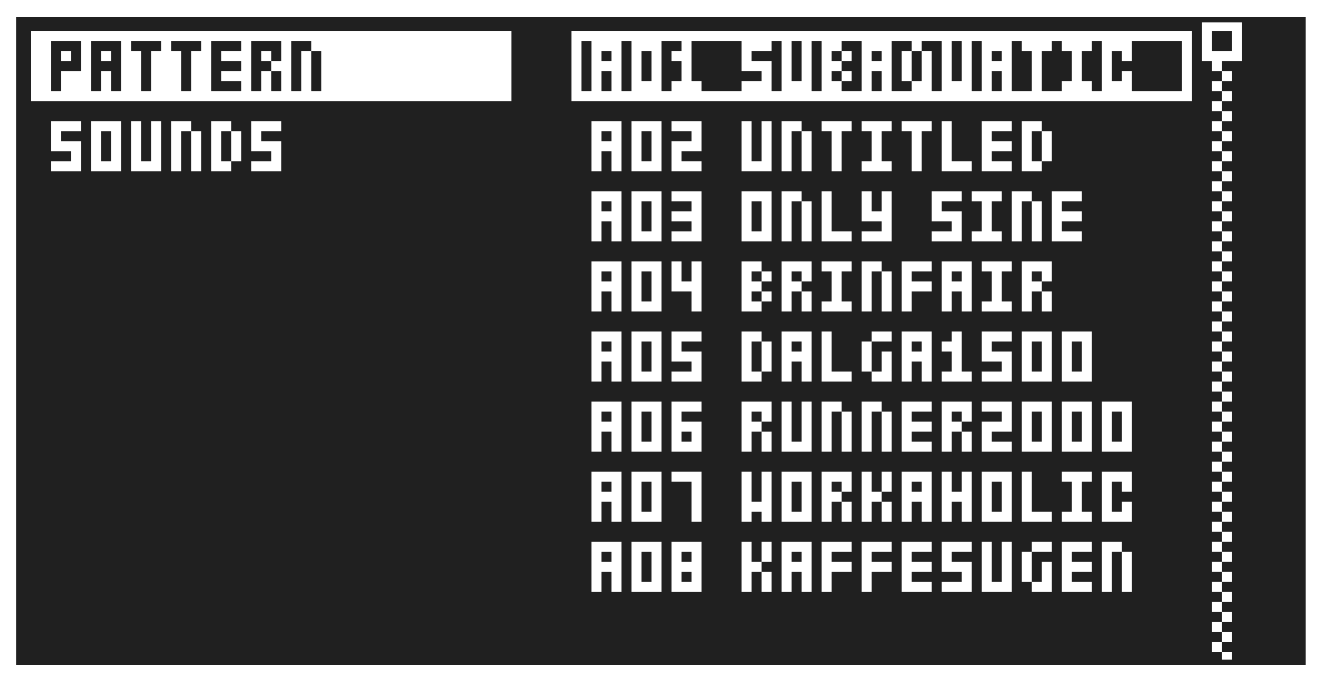
In the SYSEX DUMP menu, project, pattern, and sound data can be sent and received via the MIDI OUT port or the USB port of the Syntakt. Select a menu option using [UP]/[DOWN] or the TRACK LEVEL knob. Press [YES] to open the highlighted menu selection.
When receiving or sending SysEx data, the MIDI ports or the USB port of the Syntakt should be connected to the external sending/receiving device.
If the Syntakt is sending or receiving SysEx data through the MIDI ports, use the Elektron TM-1 USB MIDI interface for up to 10x transfer speeds.
14.5.1 SYSEX SEND
Here projects, patterns, and sounds can be sent to an external device.
The column to the left selects what will be backed up. Select the column using the [LEFT] arrow key. Use the [UP]/[DOWN] keys or the TRACK LEVEL knob to navigate in the column. The SysEx data send alternatives located in the column to the right will change depending on the selection made in the left column. Press the [RIGHT] arrow key to access this column. Use the [UP]/[DOWN] keys or the TRACK LEVEL knob to select what will be sent. Press [YES] to initiate the SysEx send procedure.
PROJECT will send the active project (settings, patterns, sounds in the sound Pool).
PATTERN will send the selected pattern.
- Backing up your data regularly is important!
- Before initiating a SysEx send, first, make sure the receiving device is listening for data to be sent.
14.5.2 SYSEX RECEIVE
Here projects, patterns, and sounds can be received from an external device. Syntakt is continuously listening for SysEx data so you can at any time send backed up projects or patterns to the device.
The column to the left selects what will be received. Select the column using the [LEFT] arrow key. Use the [UP]/[DOWN] keys or the TRACK LEVEL knob to navigate in the column. The SysEx data receive locations in the column on the right will change depending on the selection made in the left column. Press the [RIGHT] arrow key to access this column. Use the [UP]/[DOWN] keys or the TRACK LEVEL knob to select what will be received. Press [YES] to initiate the SysEx receive procedure. The Syntakt starts listening to incoming data. Press [NO] to stop listening.
PATTERN will store a received pattern to the selected pattern slot.
SOUNDS will store a received sound to the selected slot of the +Drive sound library. The option ANYWHERE will place the sound in the first free slot available. To the right of the bank indication, the amount of free slots can be seen.