8.7 TRIG MODES
8. TONVERK CONTROLS > 8.7 TRIG MODES · PDF p. 32–33 · OS 1.4.1
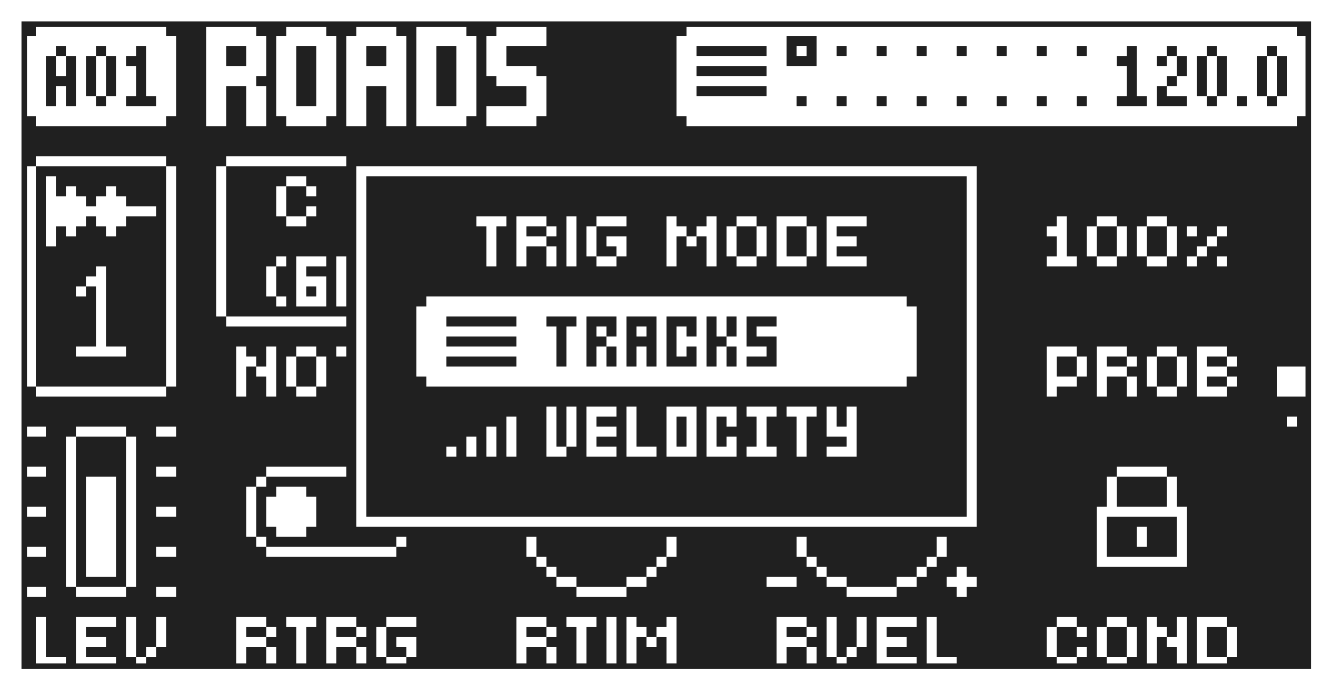
The various TRIG modes affect the functionality of the [TRIG 1–16] keys. Press [FUNC] + [DOWN] to access the TRIG MODE menu and then use [UP]/[DOWN] to select which TRIG mode should be active. The selected TRIG mode is active for all the tracks. All actions performed using the trig modes can be recorded in LIVE RECORDING mode.
TRACKS
This is the default TRIG mode. In this mode, the [TRIG 1–16] keys trigger/select the corresponding tracks.
VELOCITY
In this TRIG mode, the [TRIG 1–16] keys triggers the active track with different amounts of velocity. Trig 1 = Velocity 8
Trig 9 = Velocity 72
Trig 2 = Velocity 16
Trig 10 = Velocity 80
Trig 3 = Velocity 24
Trig 11 = Velocity 88
Trig 4 = Velocity 32
Trig 12 = Velocity 96
Trig 5 = Velocity 40
Trig 13 = Velocity 104
Trig 6 = Velocity 48
Trig 14 = Velocity 112
Trig 7 = Velocity 56
Trig 15 = Velocity 120
Trig 8 = Velocity 64
Trig 16 = Velocity 127