17.5 SYSTEM
17. SETTINGS MENU > 17.5 SYSTEM · PDF p. 78–80 · OS 1.4.1
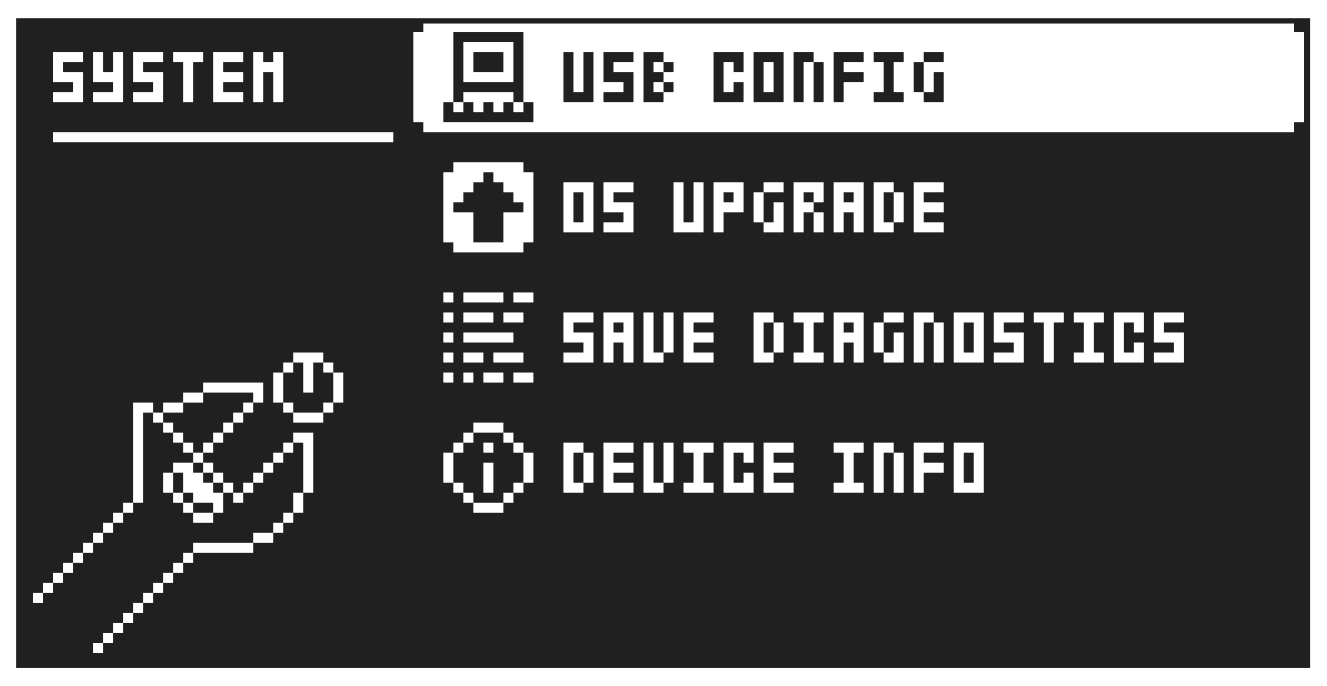
The System menu contains a number of system related settings.
17.5.1 USB CONFIG
Here you find settings related to USB audio and MIDI. Selecting one mode disables the other mode.
OVERBRIDGE enables Overbridge functionality. For more information, please see “6.8 OVERBRIDGE” on page 24.
USB AUDIO/MIDI sets the Tonverk to send and receive audio and MIDI over USB. Select this option if you want to use the Tonverk together with a class compliant USB audio host.
17.5.2 OS UPGRADE
Use this menu option to upgrade the Tonverk OS. If there is a new version of the Tonverk operating system, you are highly recommended to download and install the OS to keep your device up to date with the latest functionality and fixes. You can download the OS file from the Elektron website’s Support section. For more information about how to upgrade the Tonverk OS, please see “6.12 OS UPGRADE” on page 25.
17.5.3 SAVE DIAGNOSTICS
This option creates a diagnostics file of the machine state. The file can be used in case the device is not functioning correctly to gather information that helps to pinpoint the problem. The file is saved in the DIAGNOSTICS folder of the SD card, and is called “system-xxxxxxxxxx.log”.
17.5.4 DEVICE INFO
Here you can see the device’s serial number, current OS version, and current UI firmware version.