10.8 QUANTIZE MENU
10. THE SEQUENCER > 10.8 QUANTIZE MENU · PDF p. 43 · OS 1.4.1
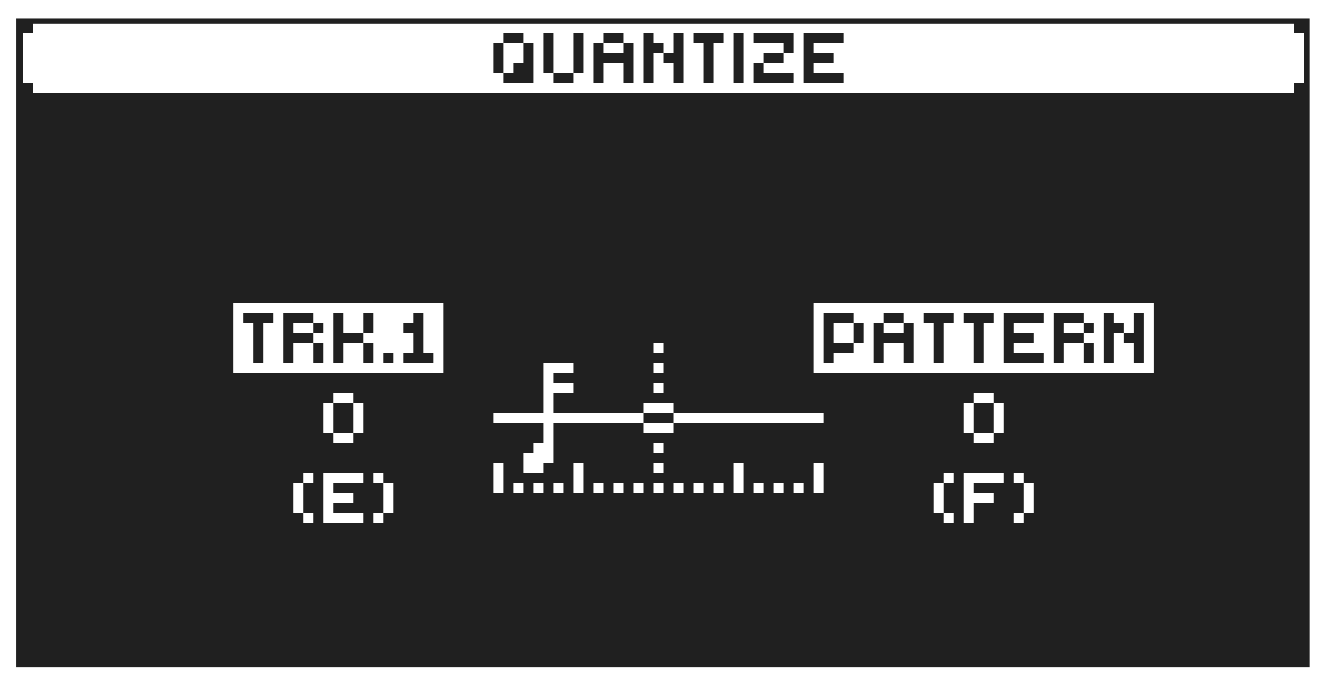
The quantization affects all micro-timed and off-grid trigs on the sequencer’s tracks. Press [FUNC] + [KEYBOARD G#] to access this menu. Change settings with DATA ENTRY knob E and F. Keep in mind that quantization snaps a trig to the nearest step on the sequencer. If you’ve applied micro timing to a trig, that nearest step might not be the step it originally sat on. However, you still control and edit the trig using the [TRIG] key for the the step it was placed on.
TRK affects all the trigs of the active track in real-time. The higher the quantize value, the more the trigs will be quantized. Press [TRIG 1–16] key to select the track to quantize.
PATTERN affects all the trigs of all tracks in the pattern in real time. The higher the quantize value, the more the trigs will be quantized.
Press [NO] to exit the menu.