14.7 GLOBAL FX/MIX
14. SETTINGS MENU > 14.7 GLOBAL FX/MIX · PDF p. 80 · OS 1.42
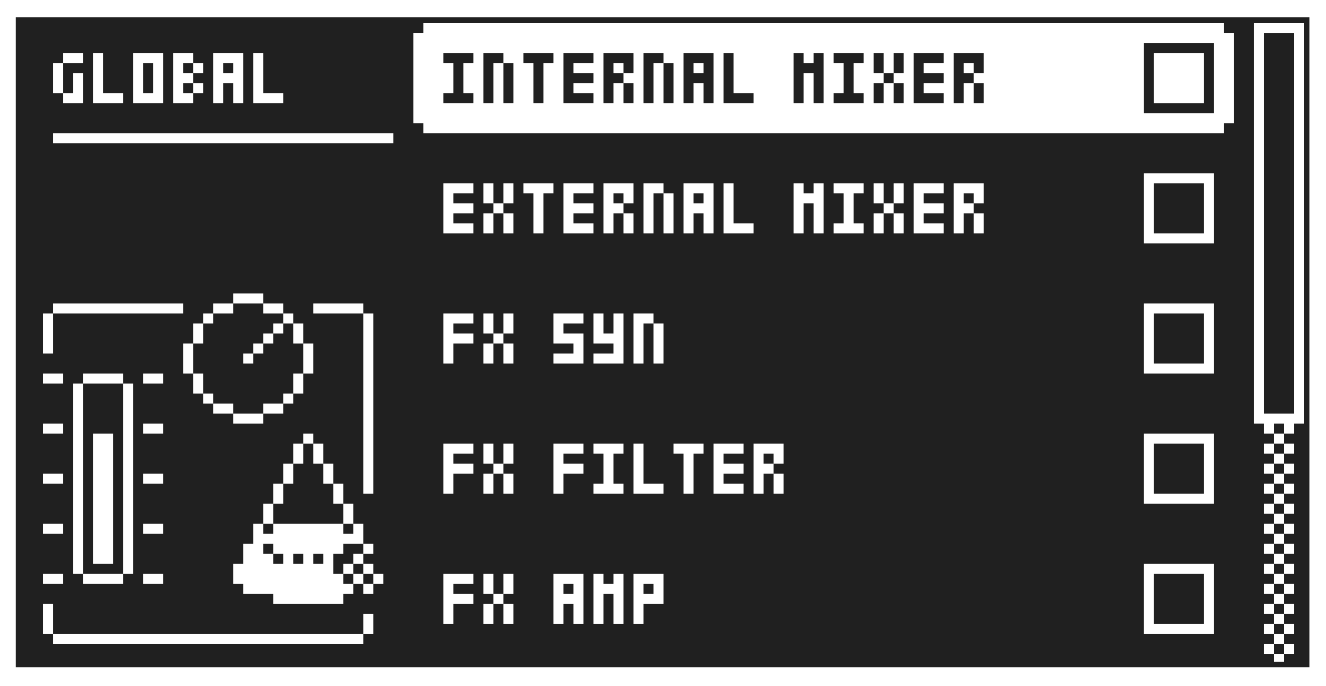
In the GLOBAL FX/MIX menu, you can select several parameter pages whose parameters will (when selected) act on a global level instead of on a pattern level. Then the parameter’s settings on that page will not only affect the active pattern but will also affect all the other patterns in the project. The parameters text/ value graphics are then inverted. Use the [LEFT]/[RIGHT] keys to select or deselect the parameter pages you wish to function on a global level. For more information, please see “13. DELAY, REVERB AND MIXER PARAMETERS” on page 68 and “12. FX TRACK PARAMETERS” on page 62.