11.2 SRC
11. THE TRACK SETUP MENU > 11.2 SRC · PDF p. 52 · OS 1.4.1
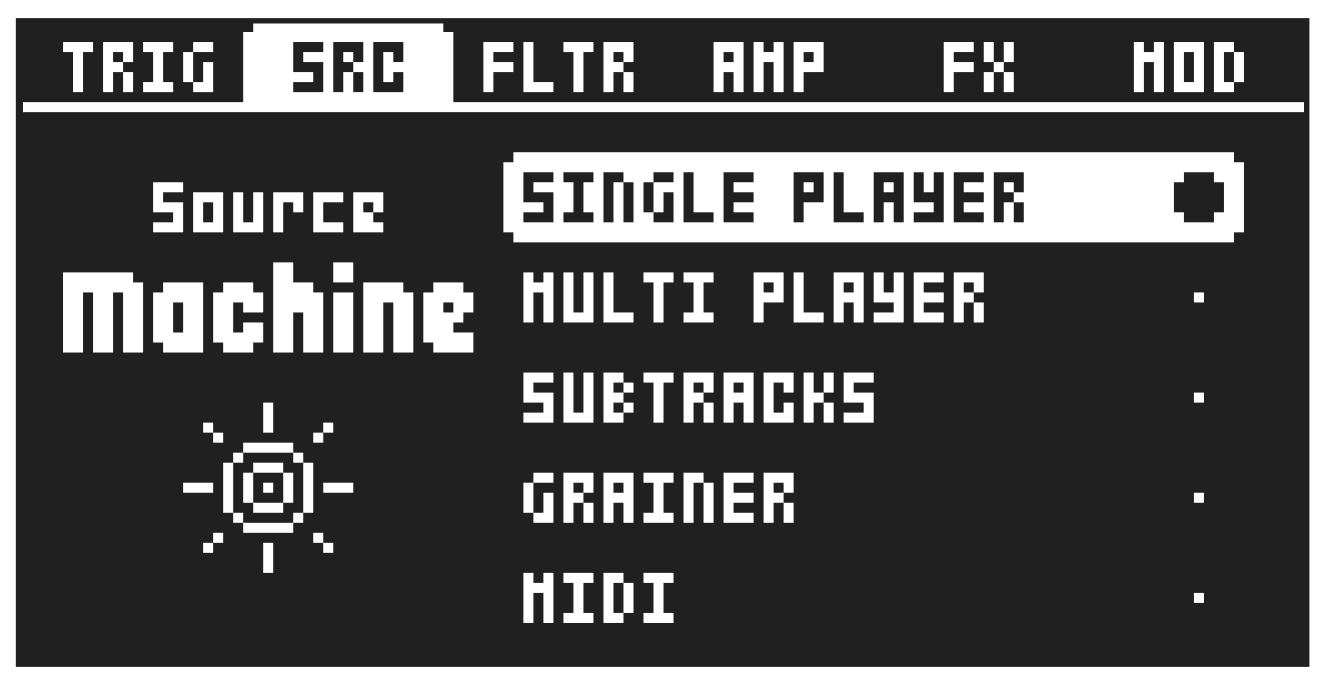
Here you can select the SRC machine. Use [UP]/[DOWN] to select machine, and then press [YES] to assign the selected machine to the track. From this page, you can also access and choose the two insert FX machines for the track. Use [LEFT]/[RIGHT] to navigate to the desired machine category. For more information, please see “A.2 SRC MACHINES” on page 86. Press [FUNC] + [SRC] to directly access this page. There are no SRC machines available for SEND FX and MIX tracks.