10.14 PERFORM KIT MODE
10. THE SEQUENCER > 10.14 PERFORM KIT MODE · PDF 第 55–57 · OS 1.12
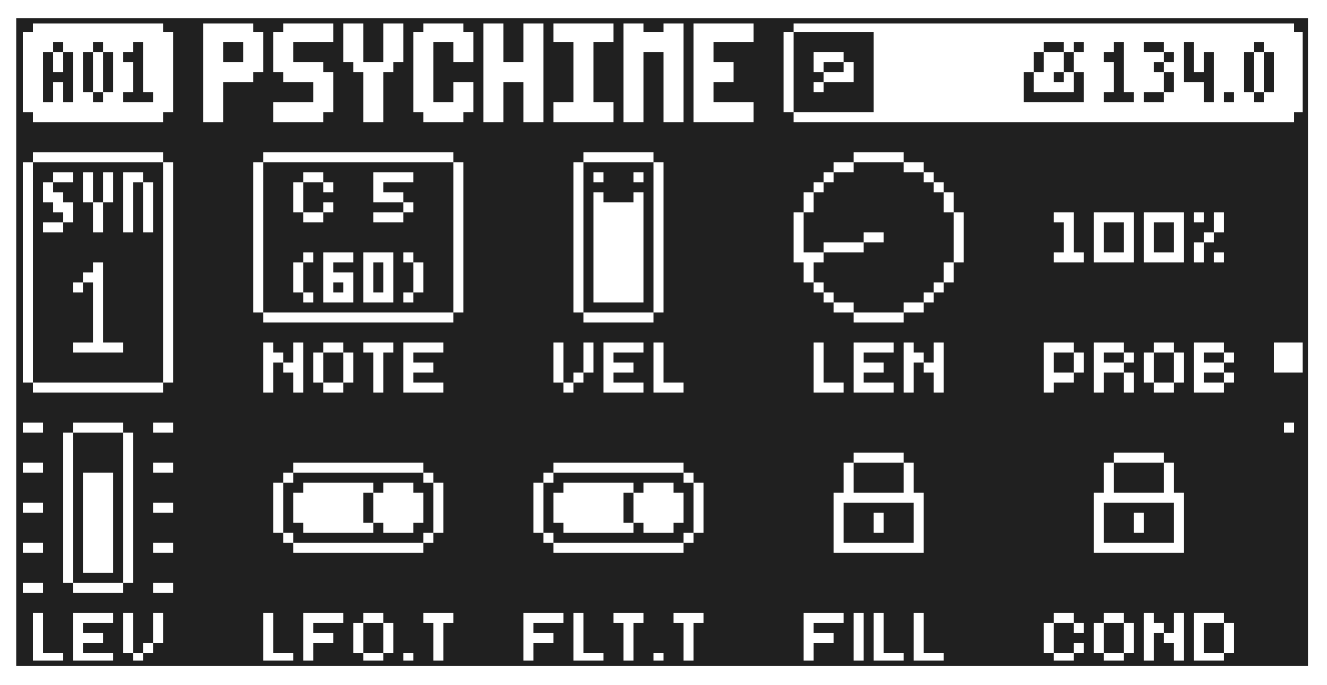
In PERFORM KIT mode, any changes made to the preset parameters are not auto-saved, and kits are not loaded when you change the pattern; instead, you keep the previous (tweaked) kit. It means you can keep your parameter tweaks over several patterns and have a smooth evolving performance without having the kits reloaded or inadvertently saving your kit when you change patterns.
Press [FUNC] + [PRESET/KIT] to toggle PERFORM KIT mode on/off. When PERFORM KIT mode is on, a flashing “P” is shown next to the pattern name on the screen and the [PRESET/KIT] key is lit blue.
10.14.1 PERFORM KIT MODE ACTIONS
- Press [PRESET/KIT] + [NO] to reload the current patterns kit instantly.
- Press [PRESET/KIT] + [YES] to save the current patterns modified kit. This will open the SAVE (KIT) menu. For more information please see “9.2.6 SAVE (KIT)” on page 33.
Pattern Temp save and Temp reload still works while in PERFORM KIT mode Actions done in PERFORM KIT mode are not saved and will not remain when switching the device off. Saving the pattern will not save any changes done in PERFORM KIT mode.