12.8 FX MIXER
12. FX AND MIXER PARAMETERS > 12.8 FX MIXER · PDF 第 70 · OS 1.12
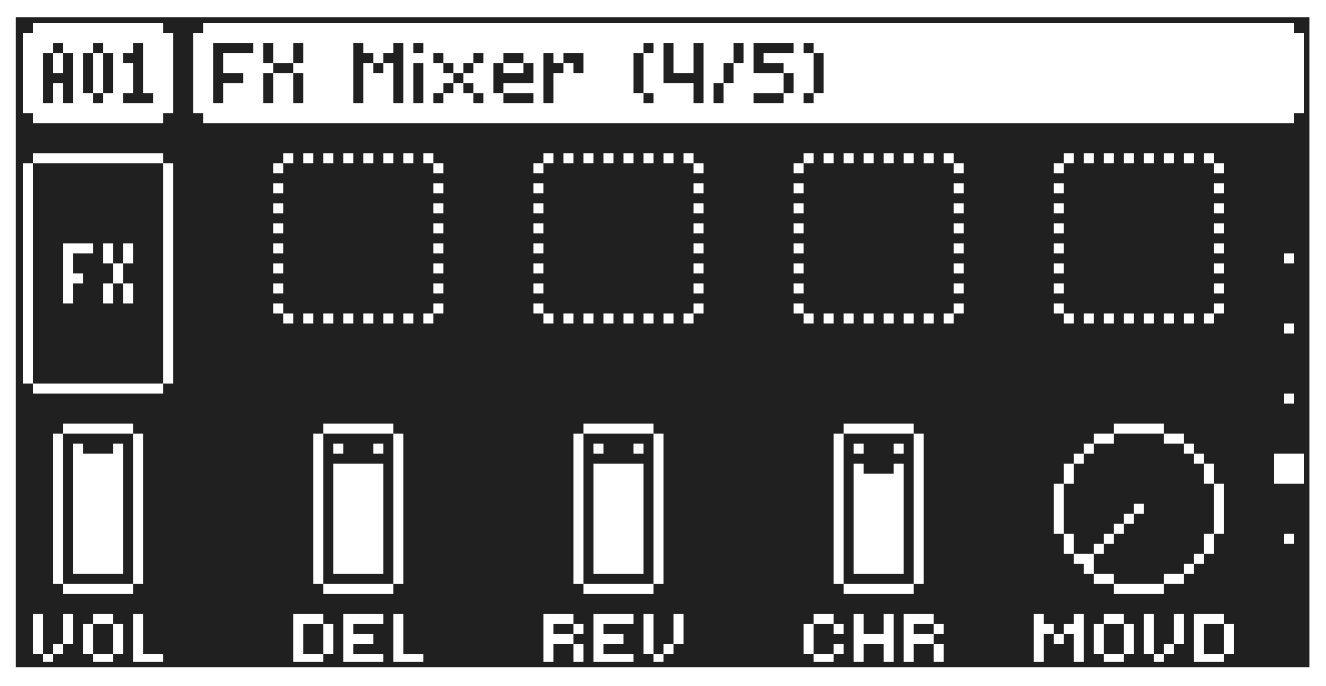
(MIXER PAGE 4)
On the FX MIXER page you can set the levels of the send effects and master overdrive.
VOL
Pattern Volume sets the patterns overall audio level. At a parameter setting of 100, you have unity gain. Below that, the signal is attenuated. Above that, the signal is amplified. This parameter can be used to balance the volume between different patterns and is saved together with the kit. Use LEVEL/DATA to adjust the settings.
DEL
Delay Mix Volume Sets the master volume of the delay.
REV
Reverb Mix Volume sets the master volume of the reverb.
CHR
Chorus Mix Volume sets the master volume of the chorus.
MOVD
Master Overdrive sets overall amount of overdrive for the audio tracks in the kit. Use LEVEL/DATA to adjust the settings.