17.2 MIDI CONFIG
17. SETTINGS MENU > 17.2 MIDI CONFIG · PDF 第 75–77 · OS 1.4.1
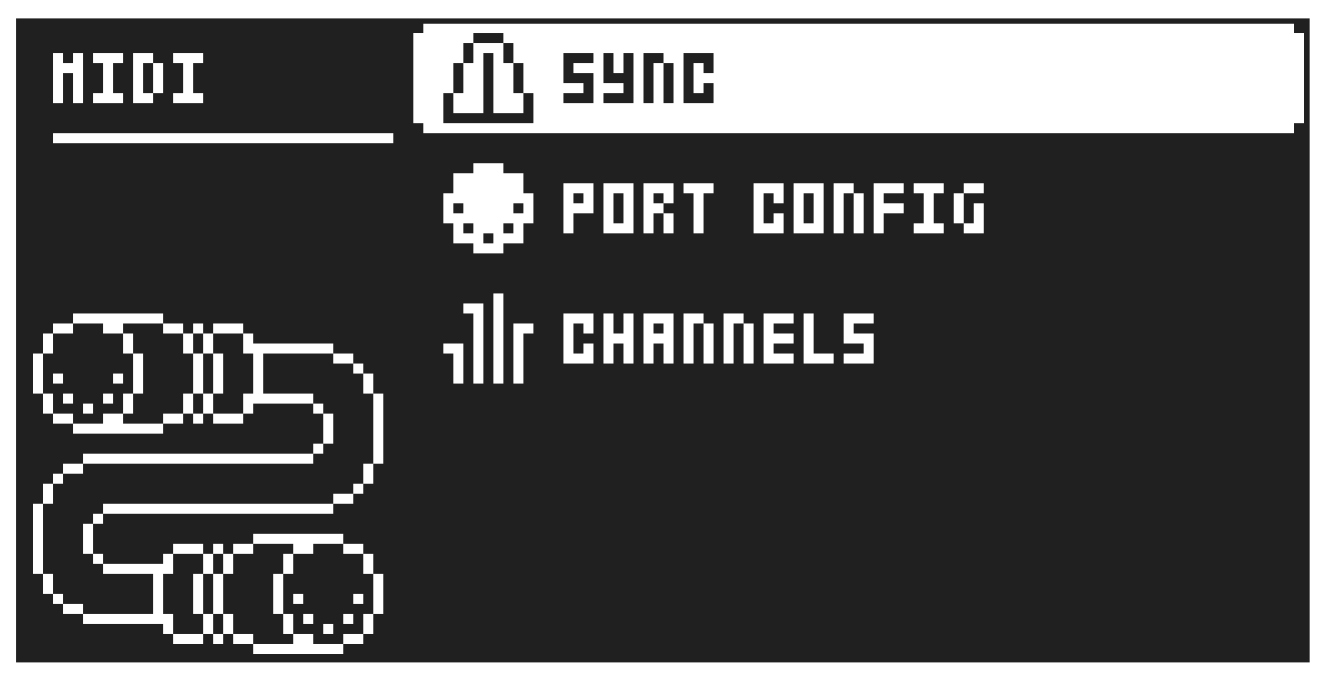
In this menu, various sub-menus dealing with the MIDI functionality of Tonverk are found.
17.2.1 SYNC
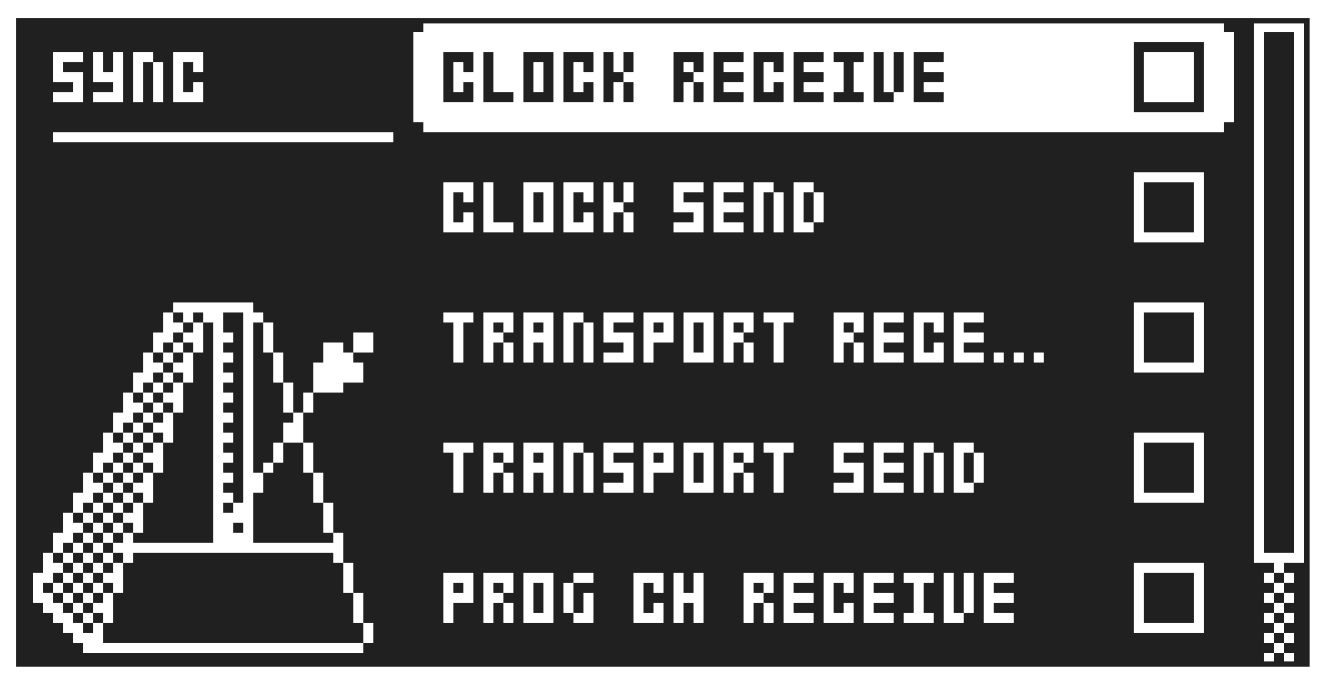
Controls how Tonverk receives and sends MIDI clock and transport commands. Change settings by using the [LEFT]/[RIGHT] arrow keys or the [YES] key.
CLOCK RECEIVE determines whether Tonverk responds to MIDI clock sent from external devices or not.
CLOCK SEND determines whether Tonverk transmits MIDI clock or not.
TRANSPORT RECEIVE determines whether Tonverk responds to MIDI transport messages sent from external devices or not.
TRANSPORT SEND determines whether Tonverk transmits MIDI transport messages or not.
PROG CH RECEIVE will, when active, make Tonverk respond to incoming program change messages, which is useful when wanting to select patterns externally. The MIDI channel that will listen to incoming program change messages is set in the MIDI CHANNELS menu. For more information, please see “17.2.3 CHANNELS” on page 76.
PROG CH SEND will, when active, send program change messages when patterns are changed. The MIDI channel that will send program change messages is set in the MIDI CHANNELS menu. For more information, please see “17.2.3 CHANNELS” on page 76.
17.2.2 PORT CONFIG
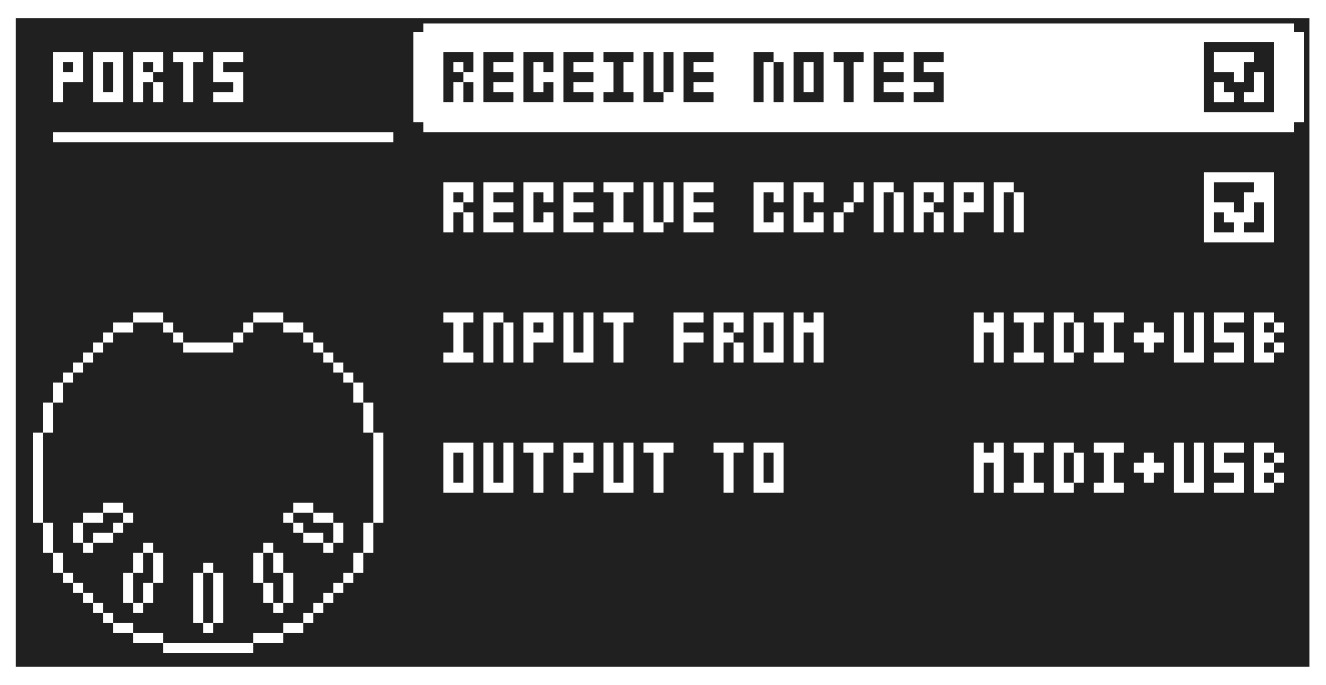
Here you find the MIDI port-related settings. Change settings by using the [LEFT]/[RIGHT] arrow keys.
RECEIVE NOTES will, when active, enable playing Tonverk using an external MIDI keyboard.
RECEIVE CC/NRPN will, when active, make it possible to control Tonverk’s parameters from an external MIDI device sending CC and NRPN data.
INPUT FROM selects the source from which Tonverk will receive MIDI data.
- DISABLED will make Tonverk disregard any incoming MIDI data.
- MIDI will make Tonverk listen only to MIDI data sent to the MIDI IN port.
- USB will make Tonverk listen only to MIDI data sent to the USB port.
- MIDI+USB will make Tonverk listen to MIDI data sent to both the MIDI IN and USB ports.
OUTPUT TO selects the destination to which Tonverk will send MIDI data.
- DISABLED will stop Tonverk from sending out any MIDI data.
- MIDI will make Tonverk send MIDI data to the MIDI OUT port only.
- USB will make Tonverk send MIDI data to the USB port only.
- MIDI+USB will make Tonverk send MIDI data to both the MIDI OUT and USB ports.
17.2.3 CHANNELS
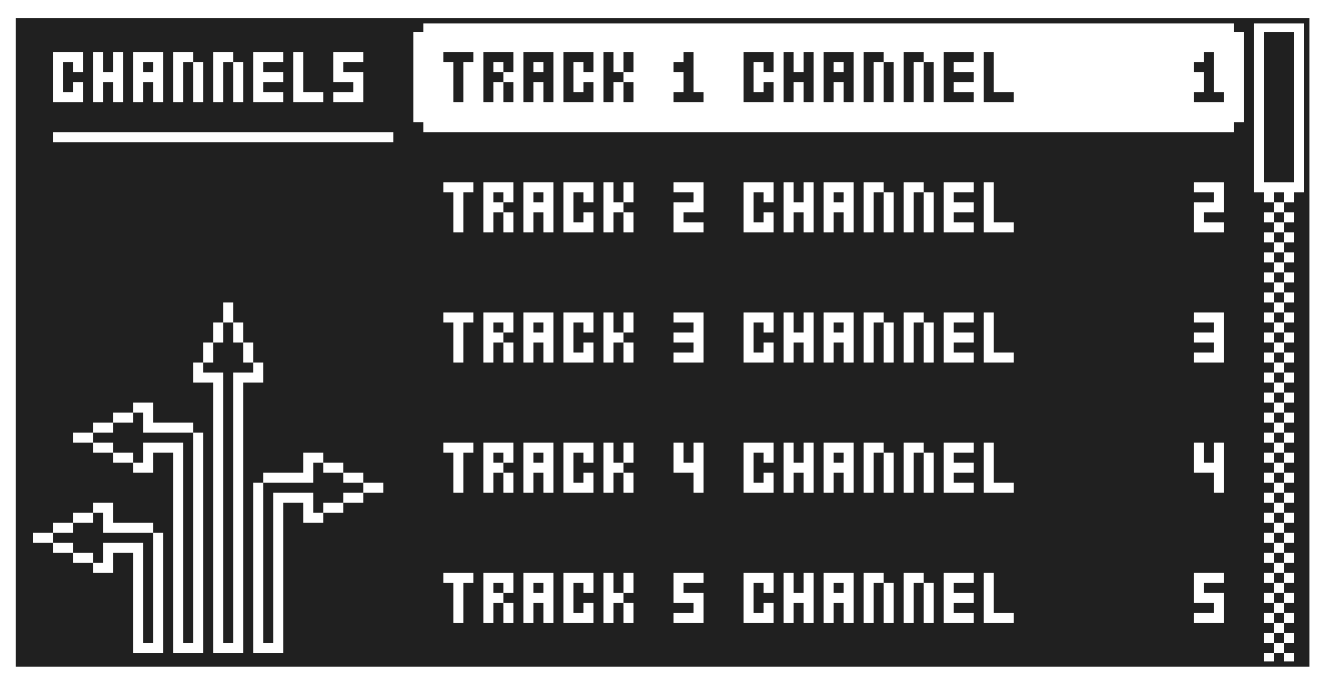
This menu handles the MIDI channel configuration.
TRACK/BUS/SEND/MIX CHANNEL selects the dedicated MIDI channel that is used to receive or send (by turning the knobs) parameter data to or from a specific track. If configured as OFF, parameter data are neither received nor sent via MIDI.
AUTO CHANNEL selects the MIDI channel that will give access to the currently active track. If an external MIDI keyboard connected to Tonverk sends MIDI data on this channel, the keyboard will control the active track. This is particularly useful, for example, when quickly switching between active audio tracks to play different presets. Tonverk also utilizes the AUTO channel to record MIDI tracks from external MIDI controllers.
PROGRAM CHG IN CH selects the MIDI channel that will listen for incoming program change messages. An AUTO setting will use the AUTO channel. Enable Tonverk to respond to program change messages in the MIDI SYNC menu. For more information, please see “17.2.1 SYNC” on page 75.
PROGRAM CHG OUT CH selects the MIDI channel that will send program change messages when changing patterns. An AUTO setting will use the AUTO channel. Enable Tonverk to send program change messages in the MIDI SYNC. For more information, please see “17.2.1 SYNC” on page 75.
- The sequencer data is always sent on the MIDI channel specified by the CHAN parameter on the SRC PARAMETER page for the MIDI SCR machine.
- The selected MIDI channel for the Auto channel is only used for the Auto channel, and the track that uses the same channel does not listen to any MIDI data.