10.4 MICRO TIMING
10. THE SEQUENCER > 10.4 MICRO TIMING · PDF p. 45 · OS 1.17
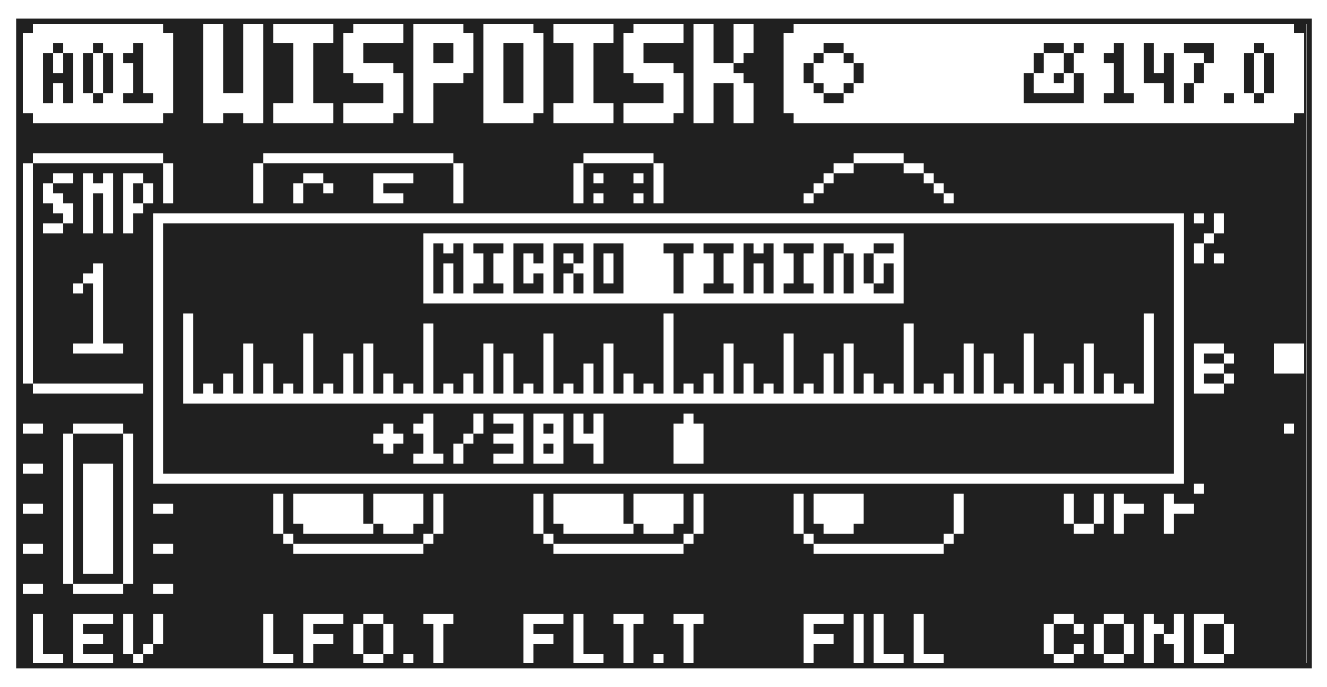
Here you can add micro timing to a note trig, moving it ahead or behind the beat. Micro timing can be customized on any of the sequencer steps on both audio and MIDI tracks. In GRID RECORDING mode, press and hold one or several [TRIG] keys and then press [LEFT]/[RIGHT] to access the pop-up Micro timing menu that shows the time offset for the chosen sequencer step(s) on the active track. Press [LEFT]/[RIGHT] to adjust the time offset. To add micro timing to all the trigs you have placed, press and hold [TRIG] + [FUNC], then use [LEFT]/[RIGHT] to micro time them all. To exit the MICRO TIMING menu, release the [TRIG] key(s). The micro timing settings are stored in the active pattern.
For more information about the parameters on this page, please see “11.2 TRIG PAGE 1” on page 53