14.1 PROJECT
14. SETTINGS MENU > 14.1 PROJECT · PDF p. 72 · OS 1.42
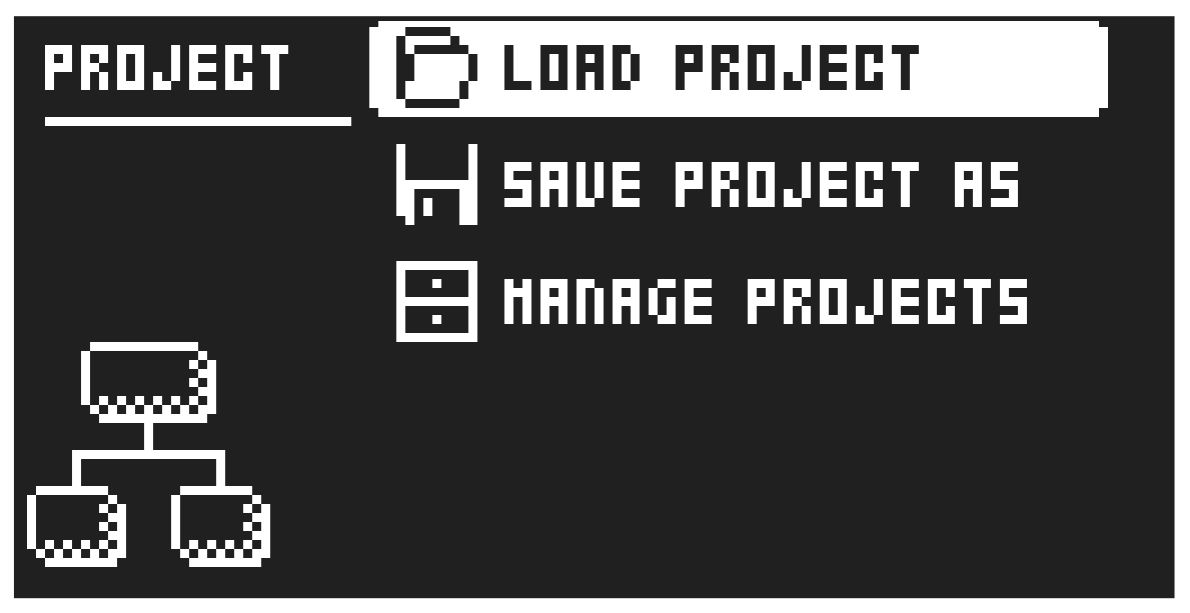
14.1.1 LOAD PROJECT
Load Project opens a project selection screen where you can choose a project to load. Note that the active project will not be saved before loading the new project so remember to save the active project first. If you wish to create a new project, select CREATE NEW at the very bottom of the list. The new project will be a blank slate.
If you load a new project it will replace the active project. Be sure to save your active project before you load another project.
14.1.2 SAVE PROJECT AS
Save Project opens a project selection screen where you choose a slot to save the active project to. You can also press [FUNC] + [SETTINGS] to access this screen.
14.1.3 MANAGE PROJECTS
Manage Projects launches the PROJECT MANAGER menu. Selecting a project in this menu and pressing the [RIGHT] arrow key will bring up a list of commands.
CLEAR Resets the project slot to a clean state.
DELETE Removes the project from the slot.
RENAME Opens a NAMING screen where you can rename the project file.
LOAD FROM Loads the selected project. This will replace the active project!
SAVE TO Saves the active project to the selected slot.
TOGGLE Toggles write protection on or off. Write protected projects cannot be overwritten, renamed or erased. A lock symbols in front of the project name shows that the project is write protected.
INIT NEW Initializes an empty file slot with a clean project. This option is only available for empty project slots.