14.2 SONG
14. SETTINGS MENU > 14.2 SONG · PDF p. 72–73 · OS 1.42
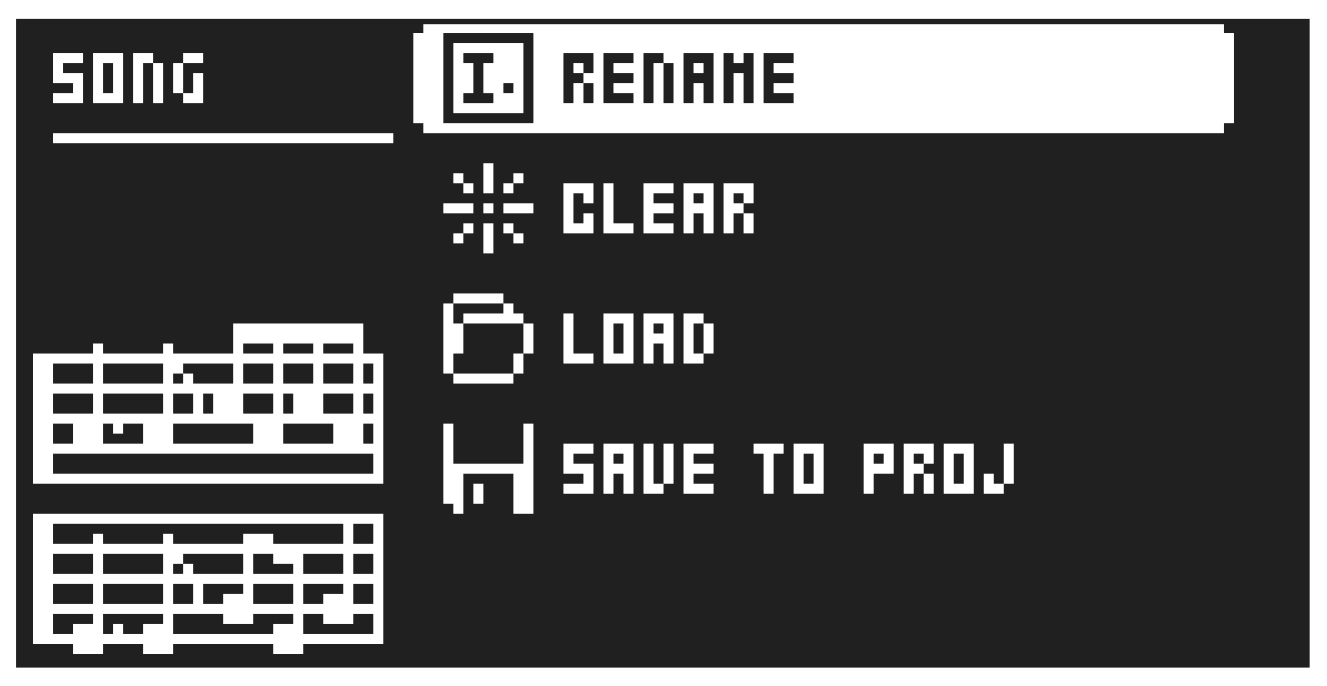
In this menu, you can perform tasks related to songs. You can also press [SONG MODE] + [UP] to open the SONG menu. For more information, please see “9.12 SONG MODE” on page 47
14.2.1 RENAME
Opens a screen where you can rename the active song.
14.2.2 CLEAR
Clears the active song
14.2.3 LOAD
Opens a screen where you can select and load songs
14.2.4 SAVE TO PROJ
Saves the active song to the project.