13.3 ASSIGNING A SAMPLE TO A TRACK FROM THE +DRIVE
13. SAMPLING > 13.3 ASSIGNING A SAMPLE TO A TRACK FROM THE +DRIVE · PDF 第 69–70 · OS 1.17
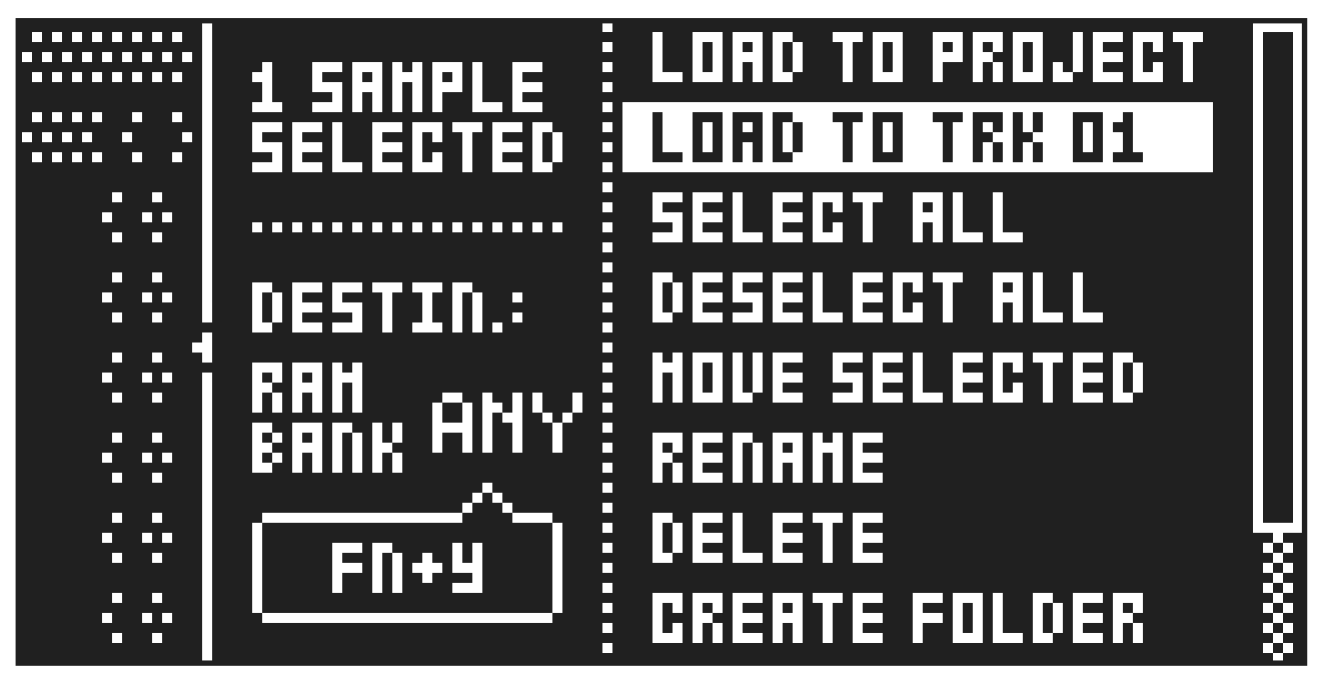
You can also assign a sample directly from the +Drive storage in the Digitakt II to the active track.
- Press [FUNC] + [SAMPLING] to access the SAMPLES menu, and then select +DRIVE and press [YES].
- Navigate to the sample you want to assign, and then press [YES] to select the sample.
- Press [RIGHT], to open the SAMPLE ACTION menu and then select LOAD TO TRK and press [YES] to load the sample to the active track.
For more information, please see “13.6 SAMPLES MENU” on page 70.